BRAND KIT · save_brand_kit · get_brand_kit · delete_brand_kit
Keep everything your AI assistant makes on brand
Save your logo, colors, fonts and tone in Sakaira once. Claude, ChatGPT or any assistant you connect reads the kit before making anything for your brand, so every image, video and voiceover matches. Saving and using the kit costs no credits; a logo and reference images need a paid plan.
Updated October 2026
You ask: Save our brand: this logo, yuzu yellow and sea blue, Fraunces for headings, and a sunny, calm tone

- Yuzu
- Cream
- Sea
- Leaf
- Ink
Fraunces · Manrope
“Sunny, calm and brief, like a friend on holiday. Never shouts.”
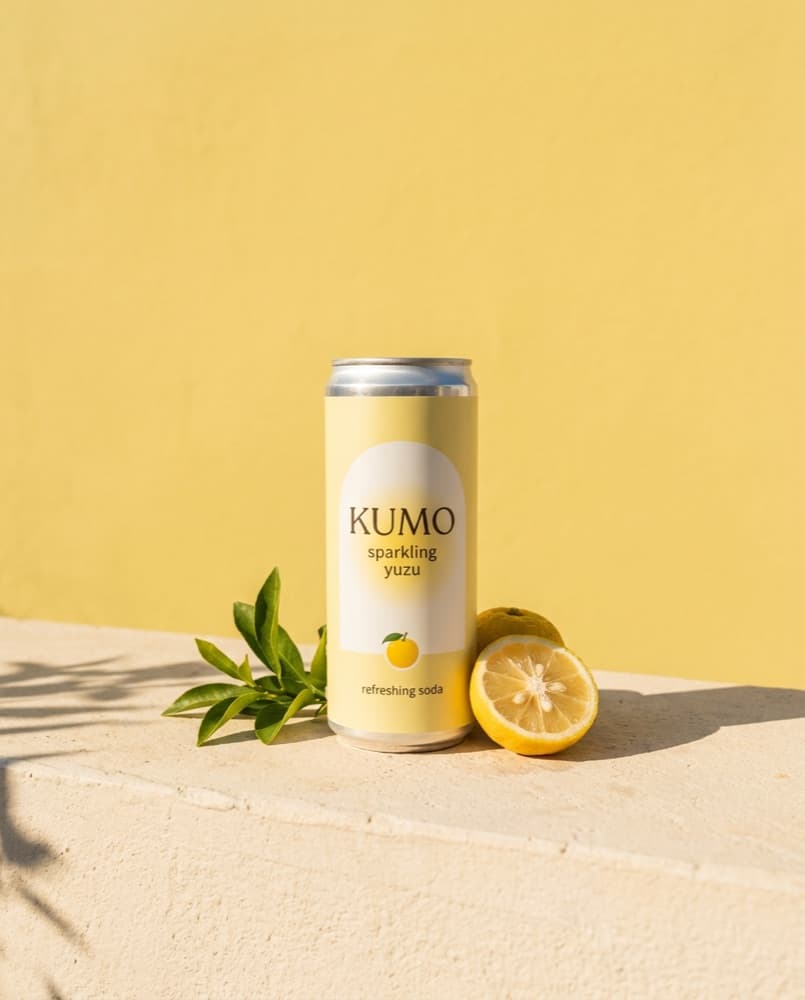
YOU GETA saved kit that every later request follows, without asking again.
Four things you can ask
You ask: Make a post for our summer launch
An image in your colors, fonts and tone
You ask: A poster for the café window
A poster with your logo and colors
You ask: Use our brand voice for this ad script
A voiceover in your saved voice
You ask: Change our tone to playful and short
The kit, updated; the rest stays as it was
How it works
- 01
Connect Sakaira once
One click or one URL. Sign in with Google. No API keys. It works in Claude, ChatGPT, Cursor and other assistants.
Connect guides - 02
Ask in plain words
Say what you need, or copy a request from this page. Your assistant calls the right tool, with the default model or the one you name.
- 03
Get the file
Every reply links to the file and says what it cost and how many credits you have left.
Questions
Does a brand kit cost credits?
No. Saving, reading and deleting your kit are free; the images, videos and voiceovers you make with it cost what they always do.
Can I add my logo and photos?
Yes, with a paid plan: 1 logo and up to 10 reference images, PNG, JPEG or WebP up to 20 MB each, added by link, on the Brand kit page of your Library, or from a file on your computer in Claude Code. Every account can save the name, colors, fonts, tone, notes and voice.
How does my assistant use the kit?
It puts your colors, fonts and tone into each prompt, passes your logo or reference images to the model only when the piece should show them, never asks a model to redraw your logo from memory, and uses your kit's voice for voiceovers unless you pick another.
Does it work in every assistant?
Yes. The kit is saved in your Sakaira account, so every assistant you connect reads the same one.
How many brand kits can I have?
One per account for now. Saving again updates it: what you change is replaced and the rest stays as it was.
Can I delete it?
Yes. Ask your assistant to delete your brand kit: the kit, its logo and its images are deleted for good. What you made with it is not touched.
FOR AGENTS AND DEVELOPERS
save_brand_kit(name, colors, fonts, tone, notes, voice, clear_voice, add_images, remove_image_ids)
get_brand_kit()
delete_brand_kit()
Parameters, sign-in and errors in the MCP reference